
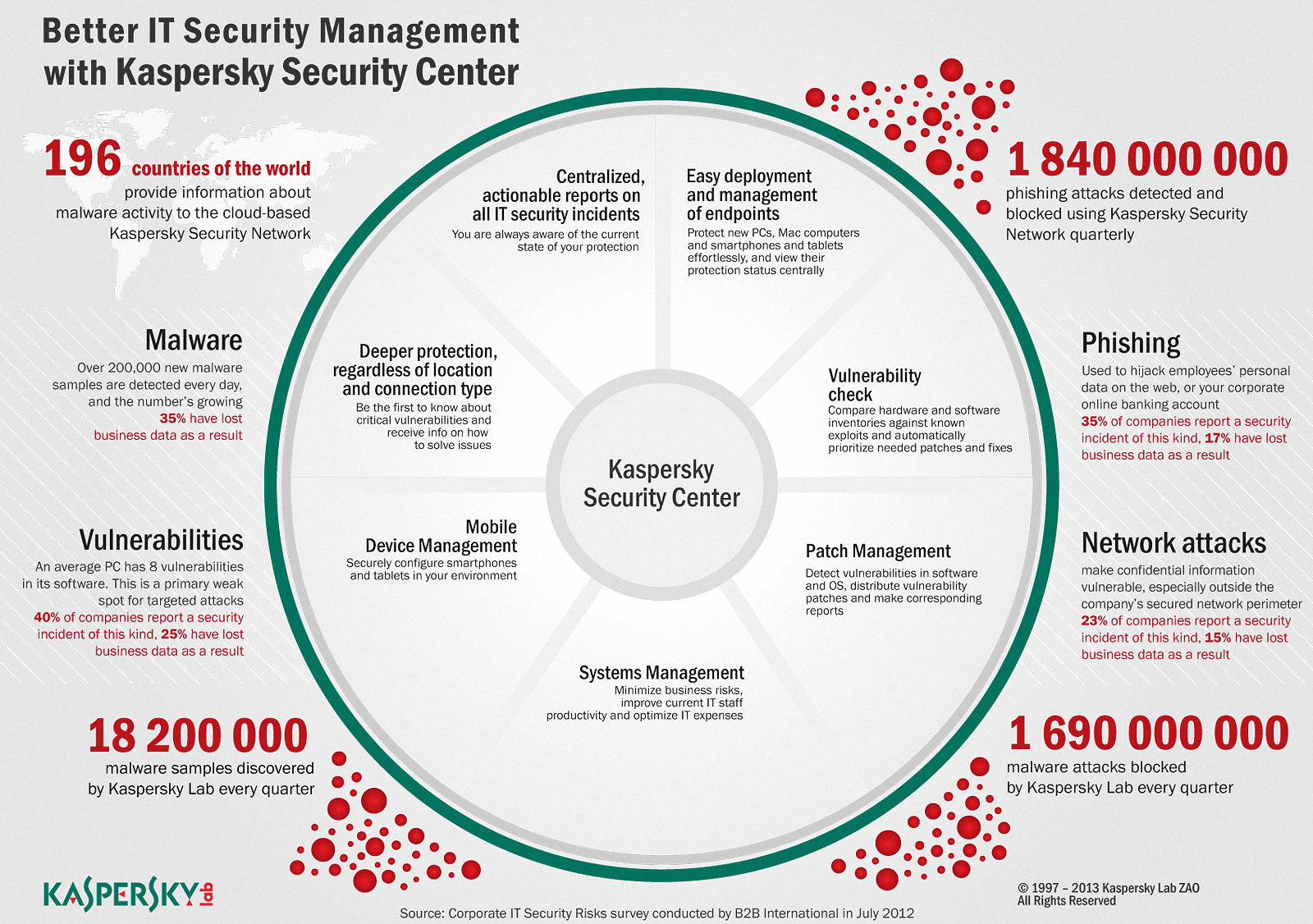
Hướng dẫn cài đặt Kaspersky Security Center 10
Yêu cầu hệ thống khi cài đặt KSC
Phần mềm:
Microsoft Data Access Components (MDAC) 2.8 and later.
Windows DAC 6.0.
Microsoft Windows(r) Installer 4.5.
Hệ điều hành
Microsoft Windows Server 2003 SP2 (all editions)
Microsoft Windows Server 2003 х64 SP2 (all editions)
Microsoft Windows Server 2008 (all editions)
Microsoft Windows Server 2008 (х64) (all editions)
Microsoft Windows Server 2008 х64 SP1 (all editions)
Microsoft Windows Server 2008 R2 (all editions)
Microsoft Windows Server 2012 (all editions)
Microsoft Windows Server 2012 R2 (all editions)
Microsoft Windows Small Business Server 2003 SP2 (all editions)
Microsoft Windows Small Business Server 2008 (all editions)
Microsoft Windows Small Business Server 2011 (all editions)
Microsoft Windows XP Professional SP2 and later
Microsoft Windows XP Professional x64 SP2 and later
Microsoft Windows Vista Business / Enterprise / Ultimate SP1 and later
Microsoft Windows Vista Business / Enterprise / Ultimate SP1 and later x64
Microsoft Windows 7 Professional / Enterprise / Ultimate
Microsoft Windows 7 Professional / Enterprise / Ultimate x64
Microsoft Windows 8 Professional / Enterprise
Microsoft Windows 8 Professional / Enterprise x64
Microsoft Windows 8.1 Professional / Enterprise
Microsoft Windows 8.1 Professional / Enterprise x64
Database Server
Microsoft SQL 2005 Express
Microsoft SQL 2008 Express
Microsoft SQL 2008 R2 Express
Microsoft SQL 2012 Express
Microsoft SQL 2014 Express
Microsoft SQL Server 2005
Microsoft SQL Server 2008
Microsoft SQL Server 2008 R2
Microsoft SQL Server 2008 R2 Service Pack 2
Microsoft SQL Server 2012
Microsoft SQL Server 2014
MySQL 5.0.67, 5.0.77, 5.0.85, 5.0.87 (SP1), 5.0.91
MySQL Enterprise 5.0.60 (SP1), 5.0.70, 5.0.82 (SP1), 5.0.90
Yêu cầu phần cứng:
CPU: tối thiểu 1 GHz cho OS 32-bits và 1.4 GHz cho OS 64-bit
RAM: tối thiểu 4 GB
Dung lượng ổ cứng: tối thiểu 10 GB trống để cài đặt và tối thiểu 100 GB khi sử dụng cho các chức năng quản lý
Cài đặt KSC 10
Đầu tiên, bạn cần tải gói cài đặt KSC 10
Link: http://www.kaspersky.com/product-updates/security-center
Chạy file .exe để bắt đầu quá trình cài đặt. Các bước cài đặt tiếp theo theo chỉ dẫn trong hình dưới đây:


Điền tên hoặc địa chỉ IP của server sẽ cài KSC (hoặc chọn trong danh sách sổ xuống):

Tiếp theo chọn vào các plugin cần cài đặt cho hệ thống và nhấn Install để bắt đầu cài đặt:

Quá trình cài đặt thành công:

Bước tiếp theo chạy Quick Start Wizard để thiết lập một số cấu hình cần thiết cho KSC:
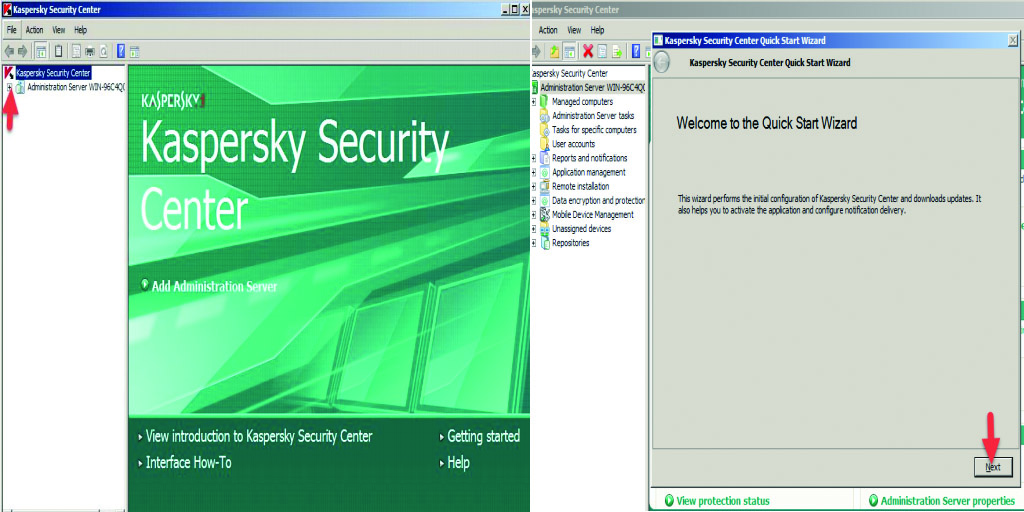
Tới bước chọn license, ta chọn vào Load from key file và chỉ đường dẫn tới file key:


Cấu hình địa chỉ email:
Recipient: địa chỉ email
SMTP server: địa chỉ smtp server, nếu là gmail thì smtp server là smtp.gmail.com,…


Nếu mạng công ty sử dụng proxy, bạn chọn vào Use proxy server vào gõ vào ô Address địa chỉ proxy server, port theo quy định vào Port number. Nếu mạng công ty không sử dụng proxy, bạn chọn Next để qua bước tiếp theo:


Nếu muốn chạy lại Quick start wizard, bấm chuột phải vào Administration Server -> All Task -> Kaspersky Security Center Quick Start Wizard

Sau khi cài đặt thành công KSC 10. Mặc định chương trình sẽ tạo ra 2 gói cài đặt bao gồm: Kaspersky Network Agent và Endpoint Security 10 for Windows (hình dưới)

– Kaspersky Endpoint Security 10 for Windows: Gói cài đặt dùng để deploy cài đặt cho các máy chủ và máy trạm
– Kaspersky Security Center Network Agent (Kaspersky Network Agent): Chương trình Agent của KSC10 sẽ được cài đặt tại các máy trạm, máy chủ. Kaspersky Network Agent là chương trình trung gian, nó nhận các chính sách và lệnh từ KSC 10 sau đó thực thi chúng tại chương trình Kaspersky cài đặt ở tất cả các máy tính, đồng thời chuyển các thông tin tại các máy tính về KSC 10.
Mặc định 2 gói cài đặt này đã được cấu hình theo chuẩn chung của Kaspersky. Bạn có thể tiến hành tùy chỉnh cho phù hợp với chính sách hiện tại của công ty. Ví dụ: Công ty bạn không sử dụng các chương trình email, bạn có thế check bỏ tính năng Mail Anti-Virus khỏi các component sẽ cài đặt tại máy trạm. Đi đến Remote installation -> chọn Installation packages -> click chuột phải vào Kaspersky Endpoint Security 10 for Windows chọn Properties -> tại đây, bạn có thể tiến hành tùy chỉnh các component sẽ được cài đặt (hình dưới):

Chúc bạn cài đặt KSC 10 thành công!


Pingback: Các tính năng cơ bản Kaspersky Security Center 10 - Blog SNT - Công Ty TNHH Siêu Nhật Thanh - Sao Nhanh Thế